



12,000+ crafters made cut files this month
You bought the Cricut to make things — not to fight Design Space at midnight.
Turn any image into a clean SVG that actually cuts the first time.
- No more spending hours tracing in Design Space just to get a messy file
- No more failed cuts that waste your good vinyl and fill the trash bag with scraps
- No more picking out a hundred tiny slivers with a weeding hook
- No more “your image won’t upload” the night before a craft fair
No Inkscape. No design skills. Just upload and cut.
Drop your image here
or tap to browse · PNG, JPG, WEBP
Try it on your own image — no signup.
Works with every Cricut, every Silhouette, every Brother ScanNCut, Glowforge, xTool — any machine that cuts SVG or DXF.
 Cut-Ready SVG
 Before · your photo
Sound familiar?
The stuff that makes you want to put the machine back in the closet.
“I spent 11 hours on this and it still doesn’t look right.”
“The SVG isn’t clean — ragged edges and it misses pieces.”
“Had 11k paths and Cricut limits to 5k. Now what?”
“I’m about to drop-kick this thing out a window.”
From photo to perfect cut in 3 steps
Upload
Drop in any photo, PNG, JPG, or sketch — even a phone pic.
CutPrep preps it
AI removes the background, traces clean paths, separates color layers, and scores it cut-ready.
Download & open in your machine
Get a cut-ready SVG (plus DXF + layers). Open it in Design Space, Silhouette Studio, or whatever your machine uses. Hit make.
Files that just work the first time
Cut-ready in seconds
From photo to a clean cut file — instantly
Upload anything. CutPrep removes the background, traces smooth closed paths, and hands you a file that drops straight into your machine. No tracing, no cleanup.
With CutPrep vs. without:
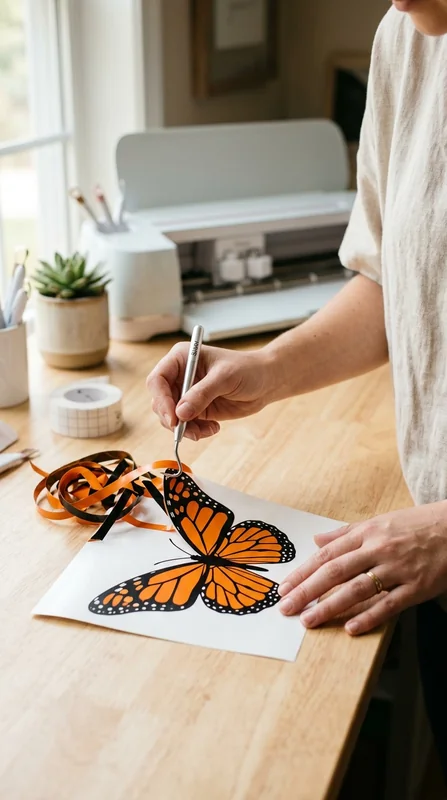
Peels in one piece
Weeds clean — no picking out a hundred slivers
CutPrep keeps every path smooth and weed-friendly, so the excess vinyl lifts away in one satisfying piece. The 20-minute weeding marathon with a hook tool? Gone — it’s about a minute now.
With CutPrep vs. without:
Cut-Ready Score
Know before you cut
A Cut-Ready Score so you never waste material
Every conversion is scored 0–100 for how cleanly it will cut — with file size, node count, and weedability checked. See it’ll work before the blade ever touches your vinyl.
With CutPrep vs. without:
Cut layers
Ready to stack
Every color, its own perfectly-aligned layer
CutPrep separates your design into clean, named, registration-aligned layers — exported as SVG and DXF, bundled with a commercial license. Stack and cut.
With CutPrep vs. without:
Real conversions, real cut-ready scores
Drag the slider up top with your own image — or see what others made.
 BEFORE
 CUT-READY SVGScore96
 BEFORE
 CUT-READY SVGScore95
 BEFORE
 CUT-READY SVGScore97
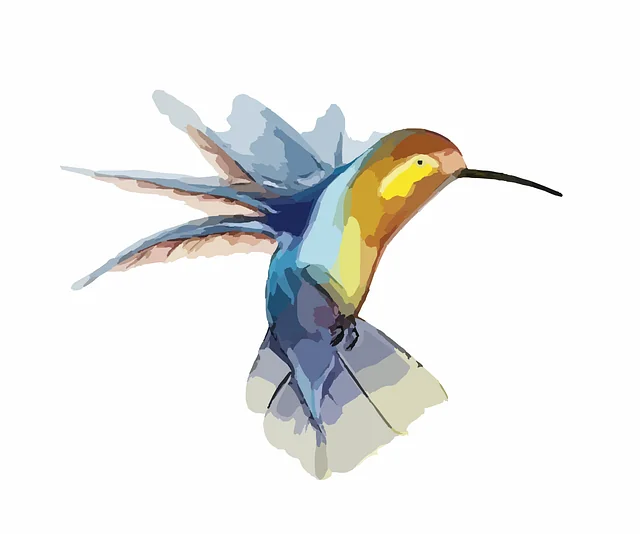 BEFORE
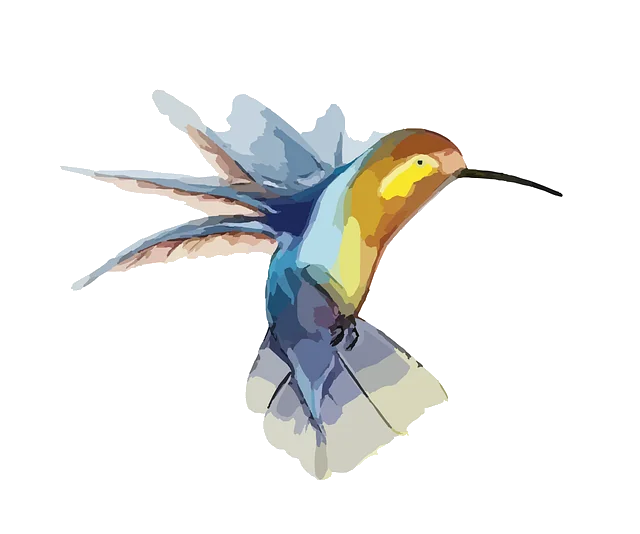 CUT-READY SVGScore94
 BEFORE
 CUT-READY SVGScore96
 BEFORE
 CUT-READY SVGScore99
What you can do with CutPrep
Faster than your old workflow
Average Cut-Ready Score — it just cuts
Wasted vinyl from failed, messy files
Crafters are obsessed
“It just cut perfectly the first time. No more midnight YouTube rabbit holes trying to fix a file.”

Sarah M.
Hobby crafter
✓ Verified crafter
“I list 10x more designs now. Every file works for my customers — zero refunds over bad cuts.”

Jennifer K.
Etsy seller
✓ Verified crafter
“I’m not techy at all. I uploaded a photo and got a clean cut file in seconds. Felt like magic.”

Mara D.
New to Cricut
✓ Verified crafter
Questions, answered
Your next design, cut-ready in seconds.
Upload one image and get a file that finally cuts clean the first time — backed by a 30-day money-back guarantee.
Convert Now →